
Running Ubuntu Containers with Hyper-V Isolation on Windows

Dustin Kirkland
on 13 September 2017
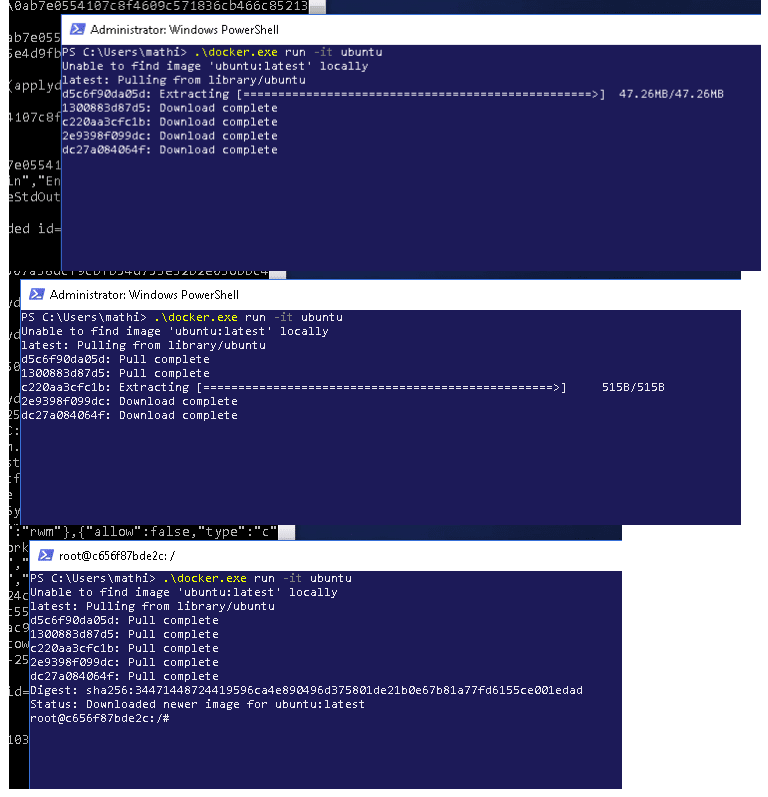
Canonical and Microsoft have teamed up to deliver an truly special experience — running Ubuntu containers with Hyper-V Isolation on Windows 10 and Windows Servers!
We have published a fantastic tutorial at https://ubu.one/UhyperV, with screenshots and easy-to-follow instructions. You should be up and running in minutes!
Follow that tutorial, and you’ll be able to launch Ubuntu containers with Hyper-V isolation by running the following directly from a Windows Powershell:
-
docker run -it ubuntu bash
Cheers!
Dustin
Talk to us today
Interested in running Ubuntu in your organisation?
Newsletter signup
Related posts
A decade of Ubuntu on IBM Z and IBM LinuxONE
This year we celebrate a decade of Ubuntu Server support on the s390x architecture: marking a long-standing collaboration between Canonical and IBM that began...
AI at the edge: simplifying infrastructure with Cisco and Canonical
Legacy infrastructure was not designed for the requirements of the AI era. While large-scale model training remains centralized in data centers, test-time...
The next era of telco clouds: get open infrastructure choice with Sylva and Canonical Kubernetes
Achieving vendor neutrality in telco clouds requires an infrastructure layer that respects open standards, without wrapping them in rigid platform layers. By...